
Developer
- Linked Mac + IDE or terminal CLI
- Live narration while agents work
- Sessions, approvals, phone remote
Transcribe mode · Devoxal mobile
Tired of rambling in ChatGPT, copying into Gmail, and fixing tone in three tabs? Devoxal puts a floating pill on your phone — tap to polish speech, hold to draft with AI — and pastes at your caret in Mail, Slack, Messages, or social. Turn on Proofread and hear it aloud as it lands.
One app · toggle Developer or Transcribe in the header
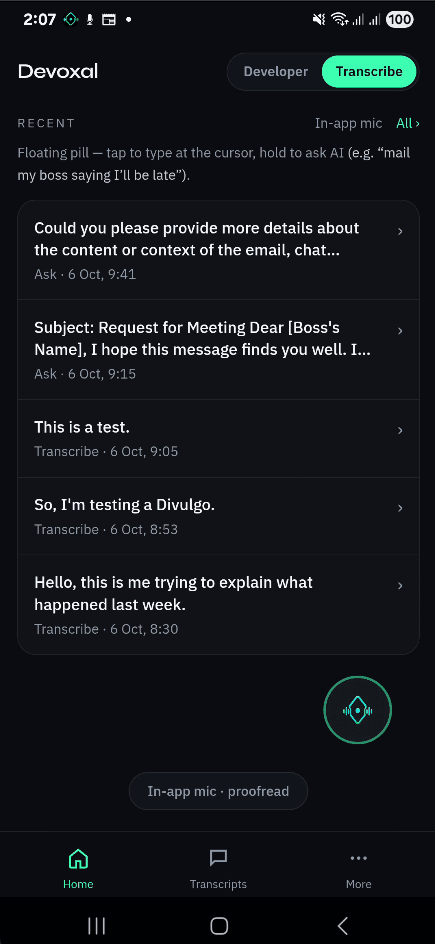
You shouldn’t live in a browser tab just to sound professional. Devoxal writes in the app that’s already open — with optional proofreading so you catch awkward phrasing before send.
Floating pill
Switch to another app — Mail, Slack, Instagram, Notes — and the pill comes with you. Tap once to transcribe at your caret. Press and hold to ask AI for a draft. Tooltip on the pill: tap to type, hold to ask.
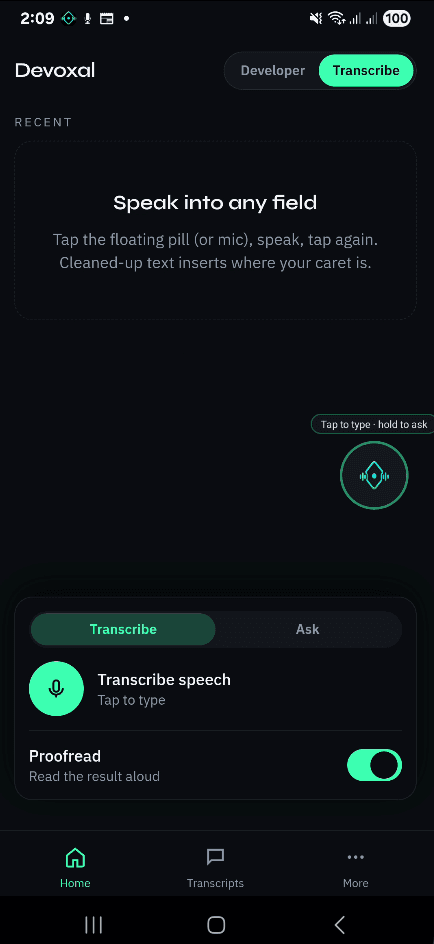
Transcribe
Put your cursor in any field — email, DM, caption, doc. Tap the pill, speak like you actually talk, tap again. Filler drops, grammar tightens, and the cleaned line inserts exactly where you were typing. No in-app-only sandbox.
Where you type
Caret pasteTo: team@company.com
hey um sorry im gonna be like 15 min late today
Hi — I'll be about 15 minutes late today. Sorry for the inconvenience.
Inserted at your cursor · not inside Devoxal
Floating pill over Mail, Slack, Notes, social — anywhere
Ask AI
Hold the pill: “Polite note that I’m running late,” “Short LinkedIn post about our launch,” “Warm thank-you after the interview.” Devoxal drafts it and pastes at your caret — you edit in context, not in a separate AI window.
Hold the pill · Ask
Old loop
ChatGPT / Claude
Hi — I need to reschedule our Friday call. Would Monday morning work for you?
Copy → switch app → paste → tweak
Devoxal
Gmail · compose
Hold pill, speak your intent…
Draft lands in place
Proofread
Flip Proofread on. As text pastes into Slack or Mail, Devoxal reads it back — word by word — so you feel tone and catch mistakes without re-reading the whole thread on a tiny screen.
Proofread
Pasting at caret…
Slack · #general
Hear every word as it lands — catch tone before you hit send.
Two modes
Developers keep the Mac-linked copilot. Everyone else gets voice writing that meets you in the apps you already use — not a walled garden inside Devoxal.
Developer
Transcribe
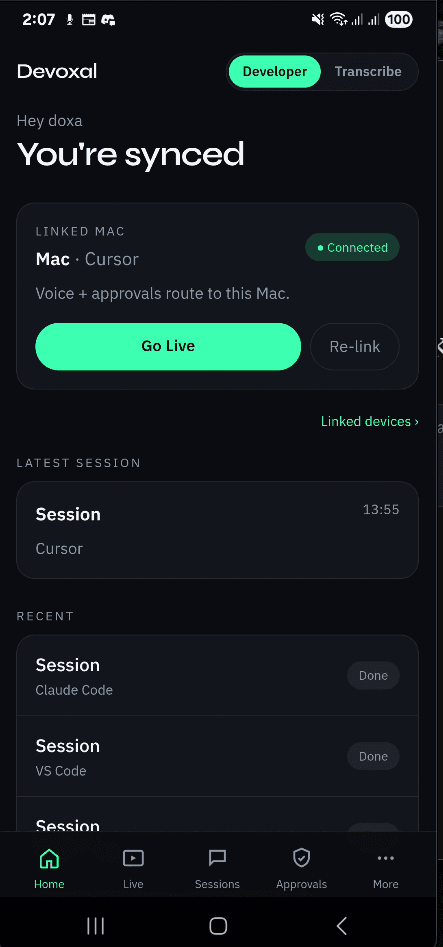
Install Devoxal, switch to Transcribe, and put the pill over whatever you're typing in. No Mac pairing required for everyday writing.
Get the app